Solutions

EditShare for Post-Production

Collaboration & Workflow Intelligence for Teaching and Learning

Media storage and workflow solutions that empower students, faculty, and IT to teach, collaborate, and manage creative work at scale

The Challenge in Education

Media programs face a mix of technical, operational, and academic pressures that traditional storage and file systems weren’t built to solve.

Multiple creative tools

Multiple creative tools and platforms make unified access and project sharing difficult

Remote Access

Remote and hybrid learning demands consistent performance for on- and off-campus workflows

Real-time shared project workflows

High user turnover with new cohorts each term adds administrative overhead

Faculty need oversight, submission control, and easy review of student work

Easily scale without disrupting classes or losing content

EditShare addresses these needs with a platform that makes media accessible, manageable, and resilient for education workflows.

Secure, Scalable, Reliable

Collaboration and Workflow Intelligence

Keep students and faculty in sync across courses and locations

Search icon

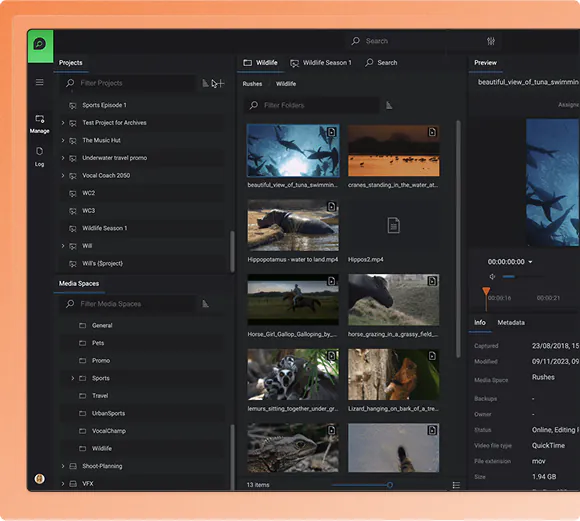
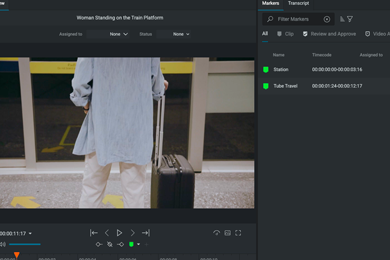
FLOW indexes, searches, and manages media with powerful metadata tools, making it easy to find coursework, project assets, and reusable teaching media across terms.

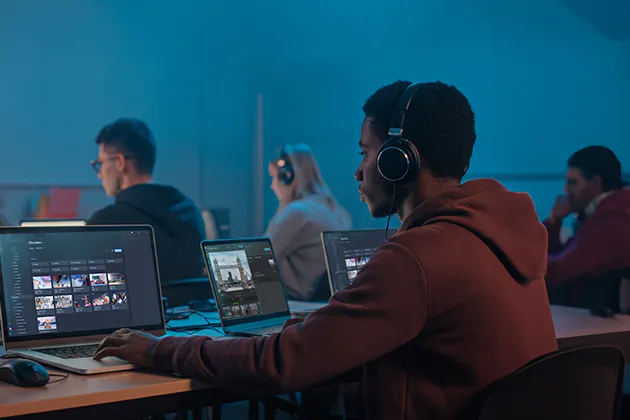
Automate ingest, proxy creation, and background processing so student media is ready to edit quickly in labs or on laptops, even over remote connections.

Automate hand-offs and approvals with configurable workflows so submissions, reviews, and revisions follow a consistent process across classes and cohorts.

video-folder icon

Native integration with Adobe Premiere Pro, Avid Media Composer, and DaVinci Resolve supports shared projects, bins, and timelines for collaborative student editing.

Result: fewer lost files, fewer relink issues, and more time spent creating and teaching.

How EditShare Supports Education Media Workflows

Connecting people, projects, and media across campus, with automation that simplifies management and keeps workflows consistent.

Performance & Scalability

  • High throughput shared access for mixed editing suites
  • Proxy workflows for remote and laptop editing
  • Consistent projects without duplicate media

Centralized, Easy-to-Manage Storage

  • Role-based access for students, faculty, and IT
  • Fast provisioning and cleanup between semesters
  • Protection against accidental deletion or overwrites

Workflow Intelligence with FLOW

  • Browser-based media search and review
  • Automatic proxy creation and relinking
  • Teacher dashboards for feedback and workflow visibility

Archive, Semester Reset, and Governance

  • Structured archiving with metadata retention
  • Semester clean-up tools to prepare for new cohorts
  • Automated cloud sync for resilient backups

Real-World Education Media Scenarios

Supporting multiple creative tools

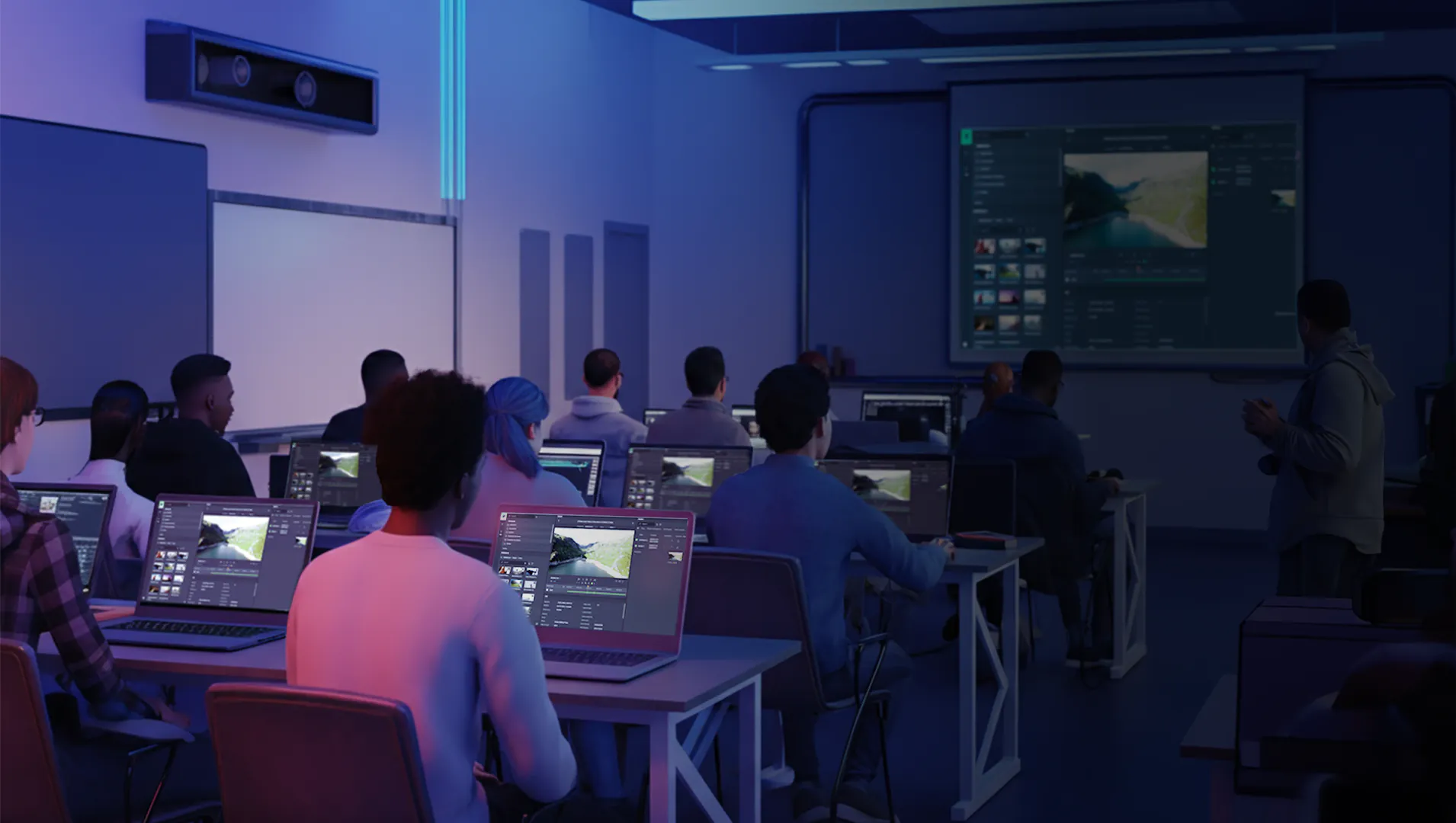
Students gain hands-on experience with Adobe, Avid, and Resolve using shared media and collaborative project workflows.

Remote and hybrid coursework

Students access media, proxies, and projects from home or campus while maintaining project structure and performance through cloud-connected workflows.

Faculty review and assessment

Instructors search, review, and provide feedback on student work using browser-based tools without copying files or breaking project links.

Semester transitions and archiving

Completed coursework is archived with metadata intact, storage is reclaimed, and environments are reset quickly for new cohorts.

Products Powering Education Workflows

EditShare is used by universities, film schools, and creative education programs to support shared media storage, collaborative editing, and scalable education workflows.

Trusted by Educators

“Our new EditShare system not only improves our capabilities but also underscores our commitment to providing students and staff with the best possible resources to achieve their goals. ”

Mark Willett, Media Facilities Manager at Leeds Trinity University

Frequently Asked Questions

Yes. EditShare supports shared workflows with Adobe Premiere Pro, Avid Media Composer, and DaVinci Resolve, allowing students to work concurrently on shared projects, bins, and timelines.

Yes. EditShare environments are designed to handle many simultaneous users, with consistent performance across labs, classrooms, and peak teaching hours.

SwiftLink provides secure remote access to on-premise EditShare storage, allowing students and faculty to work off campus while maintaining permissions and project structure.

FLOW provides browser-based search, preview, and review tools so instructors can find, assess, and provide feedback on student projects without copying files or exporting media.

Yes. Projects and media can be archived with metadata intact, storage reclaimed, and access reset efficiently to prepare for new cohorts.

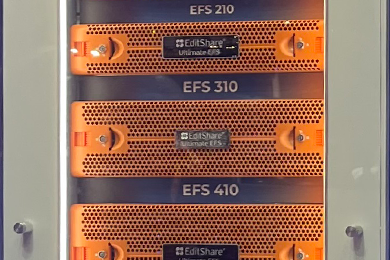
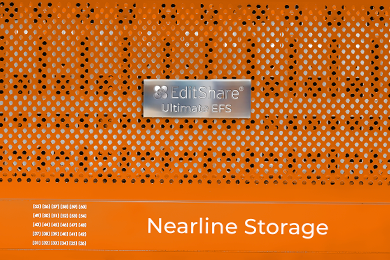
Absolutely. EditShare storage scales from terabytes to petabytes, with options for NVMe, online, nearline, and archive tiers as needs evolve.

Role-based permissions, centralized management, and optional synchronization ensure student work is controlled, protected, and recoverable.