





Why QC Matters More Than Ever
A single missed frame or out-of-sync audio can disrupt your production schedule, increase costs, and damage your brand reputation. Which is why quality can’t be negotiable in your media workflow.
Whether you’re delivering corporate communications, streaming a live sports event, or producing binge-worthy content, your audience expects flawless results. A single technical glitch, like corrupted frames or the wrong color space, can erode trust and cost you money.
The challenge? Media teams are under tight deadlines, working with huge file sizes, and often spread across multiple locations. Manually checking every file is unrealistic. That’s why automated quality control (QC) is no longer optional, but essential.
With FLOW, EditShare makes quality control seamless, integrating powerful QC solutions directly into your workflow so every piece of media is checked, verified, and ready for delivery, without slowing you down.
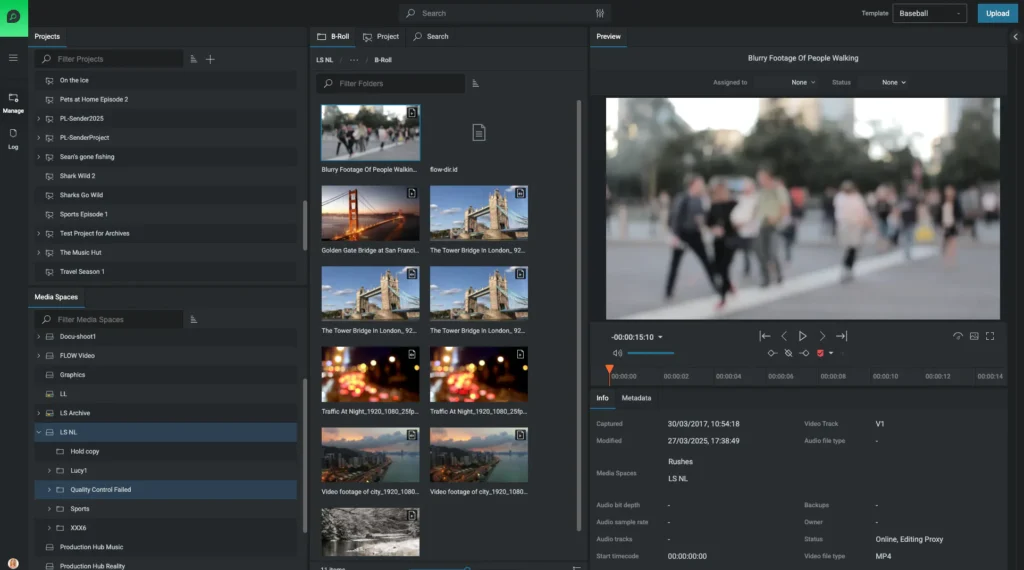
Why Quality Control is Critical for Media Teams
- Brand Reputation – Poor-quality content affects credibility and trust.
- Compliance – Broadcasters, OTT platforms, and corporate networks have strict delivery specs.
- Cost Savings – Catching issues early avoids costly rework, reshoots, or distribution delays.
- Efficiency – Manual QC takes hours (or days). Automated QC delivers results in minutes.
When you build QC into your workflow, you protect your production pipeline and ensure your team focuses on creativity, not troubleshooting preventable errors.
The Role of QC in a Modern Media Workflow
Today’s workflows aren’t confined to a single edit suite or on-prem server. Teams work remotely, pulling content from shared storage, and delivering across multiple platforms.
Without a robust QC process:
- Errors can slip through during ingest, transcoding, or distribution.
- Remote teams may never catch problems until final delivery.
- Archives risk being filled with faulty or incomplete assets.
That’s where FLOW Automation + QC integration steps in.
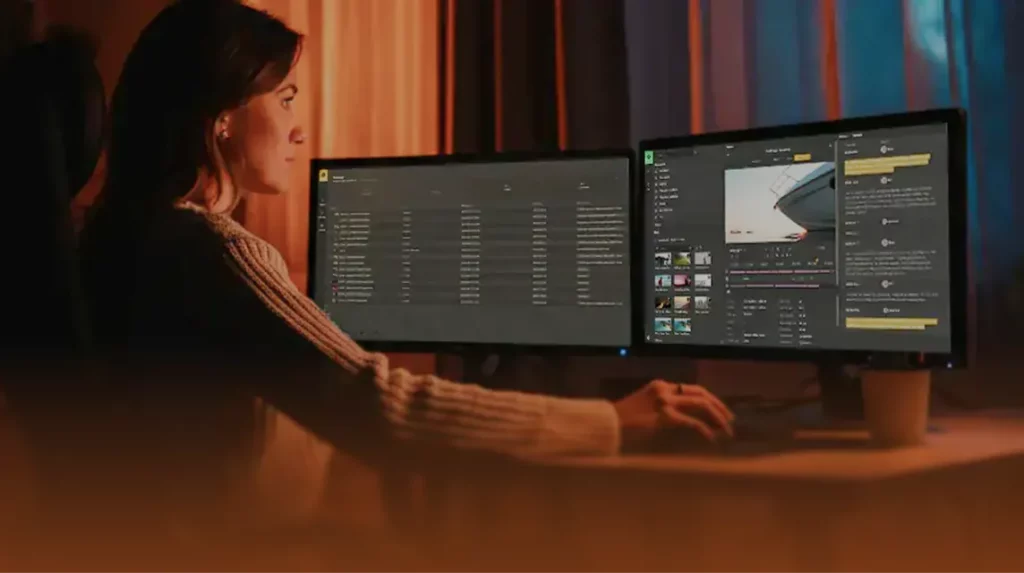
How FLOW Simplifies QC for Distributed Teams
FLOW connects your media asset management, automation tools, and QC checks into one cohesive system. Here’s how it works:
1. Automated QC Workflows
With FLOW Automation, you can:
- Trigger QC tasks as soon as files land in your storage.
- Run test plans that check for audio/video integrity, compliance, and format specs.
- Automatically move passed files into approved folders and flag failed files for review.
2. Seamless Integration with Industry-Leading QC Tools
FLOW integrates with solutions like Interra Baton QC and QScan to deliver AI-driven quality checks without leaving your MAM environment. You’ll get:
- Detailed PDF reports linked to your media assets.
- Automated pass/fail indicators.
- Complete visibility on QC status across all projects.
- QC Analysis Markers per asset in FLOW (QScan Only)
3. Remote Access for Review & Approval
Using FLOW, your QC results, proxy previews, and reports are accessible from anywhere. This means:
- Distributed teams can approve or flag assets in real time.
- No more emailing large files or waiting for uploads.
- Faster turnaround for time-sensitive projects.
Best Practices for QC in Media Workflows
- Automate everything possible – QC should run in the background without slowing your team down.
- Integrate QC at ingest – Catch issues before they cascade into your edit timeline.
- Standardize QC templates – Define presets for different delivery platforms.
- Monitor reports centrally – FLOW’s searchable reports make compliance tracking easy.
- Combine QC with metadata tagging – Easier tracking for future audits or re-delivery.
Benefits of Using FLOW for QC
| Traditional QC | QC with FLOW |
| Manual checks on local files | Automated QC on ingest |
| Limited visibility for remote teams | Full remote review via FLOW |
| Reports stored separately | Reports linked to media assets |
| Risk of missed deadlines | Faster, compliant delivery |
FAQ: Quality Control in FLOW
FLOW integrates with top QC platforms like Interra Baton to automate and manage QC tasks within your workflow. *Subject to licenses
Yes! With FLOW Automation, QC can run as soon as files are ingested, no manual triggers required.
Through FLOW, users can log in and preview proxies from anywhere.
Not at all. QC runs on the original media, while FLOW continues generating proxies for remote editing.
Absolutely. Automated QC ensures your files meet platform specifications every time.

Ready to Build QC into Your Workflow?
Quality control doesn’t have to slow you down. With FLOW’s integrated QC capabilities, your media stays compliant, your teams stay productive, and your audience gets flawless content every time.

