





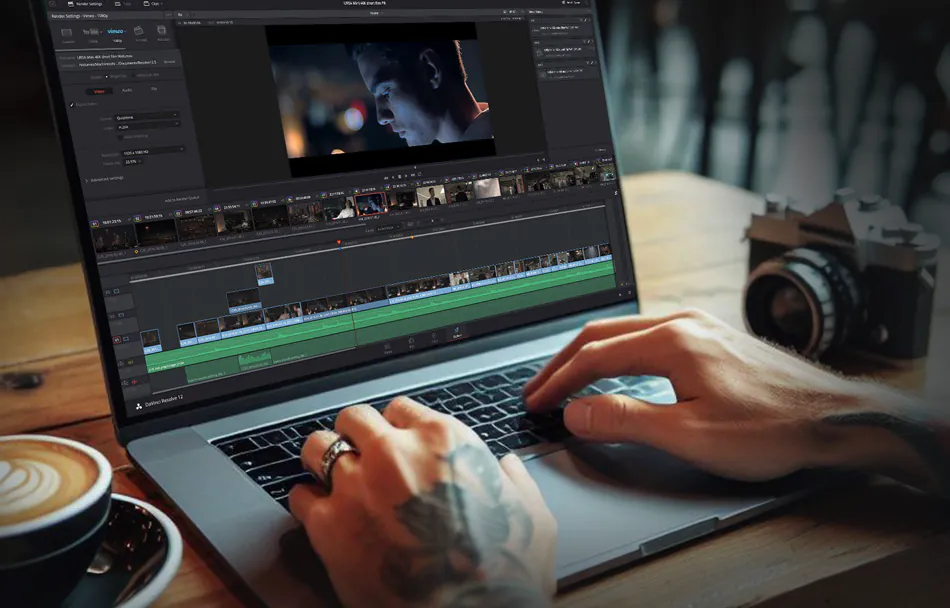
Post-production workflows, whether for editing, grading, or film finishing, frequently face tight deadlines while also working with massive files, complicating team coordination. Pairing DaVinci Resolve Studio with EditShare’s infrastructure provides effective collaborative video storage and shared video storage solutions. This setup eases access to high-resolution assets, enhances performance, and supports smoother collaboration. Here’s how these tools integrate to optimize workflows.
Performance and Compatibility: The Foundation for Shared Video Storage
DaVinci Resolve Studio handles editing, colour grading, audio mixing, and VFX in a single application. Amazingly, they have integrated programs like Fairlight audio and Fusion into Resolve. It also supports native operation on Windows, Mac, and Linux, ensuring flexibility across setups.
EditShare’s EFS serves as robust shared video storage, organizing media securely in managed MediaSpaces. These spaces centralize footage, enabling quick tracking and access for projects. EFS provides massive 24 GB/s throughput across each NVMe node, allowing workstations to achieve over 15 GB/s read speeds utilising our native EFS drives. The native drivers stand out; they’re tailored for media tasks, delivering higher bandwidth for Resolve users compared to traditional IT mounting like SMB, which delivers slower speeds
Collaborative Video Storage: Resolve Project Server on EFS
For teamwork, Resolve’s Project Server operates on EditShare EFS nodes as collaborative video storage. It oversees projects, timelines, and permissions, allowing multiple users to contribute without overlap. For instance, an editor modifies a sequence, and collaborators view updates in real-time, with built-in controls to safeguard key elements.
The cross-platform support shines here, with native drivers for Windows, Mac, and Linux in both Resolve and EFS, eliminating setup hurdles in mixed environments.
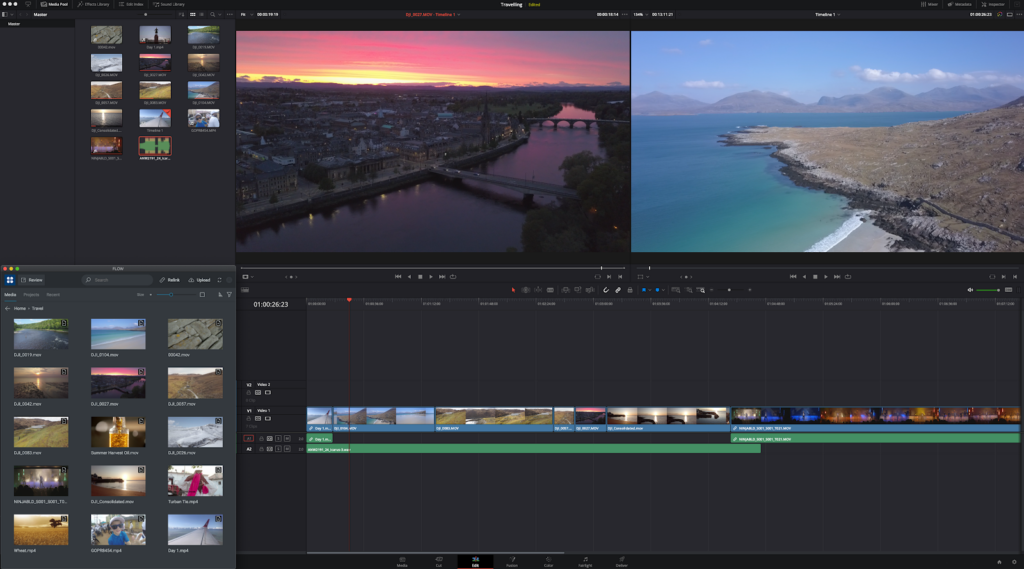
Production Asset Management: Flow Panel in Resolve
EditShare’s FLOW, a production asset management solution, embeds directly into Resolve for easy file handling. It enables pulling assets from ProRes proxies to file per frame masters without leaving the interface, sourcing directly from EFS MediaSpaces to maintain organization.
Remote users benefit from proxy workflows, where Flow preserves parent-child relationships between full-resolution originals and proxies. This allows fluid editing over limited bandwidth, with automatic relinking for final outputs, no manual fixes required.
Real-World Examples of Shared Video Storage and Collaboration
Consider a news team covering an election. Reporters ingest 4K footage into EFS MediaSpaces. Project Server manages permissions, giving the lead editor control over masters while others access proxies through FLOW. The native drivers’ bandwidth advantage over SMB accelerates speed. Combine it with Mediasilo and you get faster approval results.
In a documentary project featuring 8K drone captures, remote VFX specialists use FLOW’s production asset management for proxy-based creations. The director pulls full-res versions from collaborative video storage, with EFS ensuring uniform access and Project Server logging revisions to minimize back-and-forth.
Key Benefits for Post-Production Workflows
DaVinci Resolve Studio powers the creative side, while EditShare EFS excels in shared video storage and production asset management. This integration resolves issues like access controls, multi-OS compatibility, and proxy management, allowing focus on delivering polished results.
For teams seeking optimized shared video storage for DaVinci Resolve or tips on collaborative video storage setups, this pairing delivers proven efficiency.

