EditShare 2026.3.1 is now available, bringing major performance improvements across search and RED media scanning, an updated FLOW AI engine with expanded language support, and new automation and workflow capabilities.
Find media faster in EditShare One
Bulk Metadata Editing
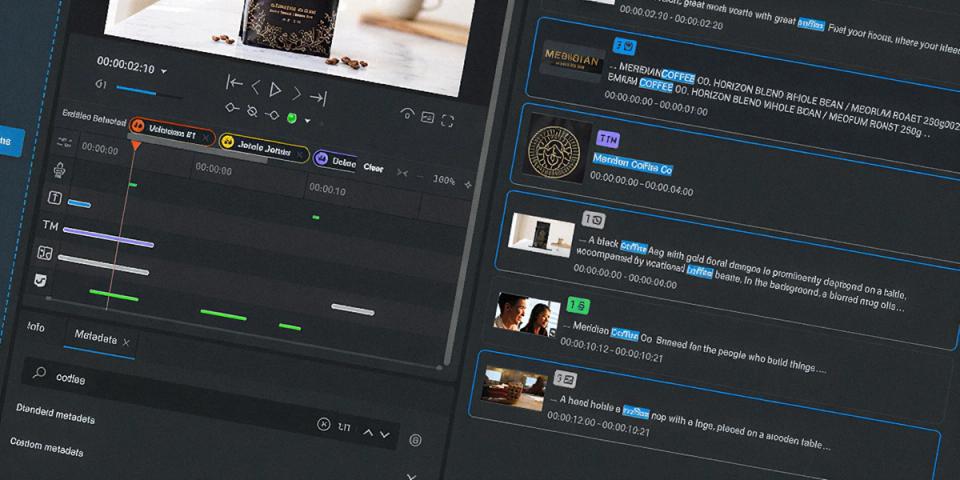
Search results now appear progressively as they are evaluated, so users can begin seeing results without waiting for the full result set to load. Sorting and paging also reuse cached results rather than triggering new searches.
For users working with larger Media Spaces, the difference can be substantial. Media Spaces with more than 1,000 assets that previously took tens of seconds to return results can now return them in seconds.
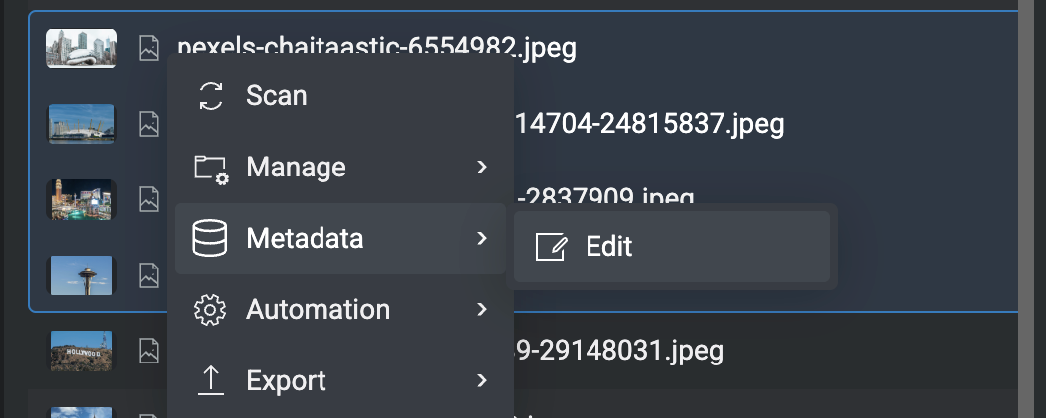
The release also introduces bulk metadata editing. Multiple assets can be selected and updated in a single action, with Replace, Append and Prepend options available for individual metadata fields.
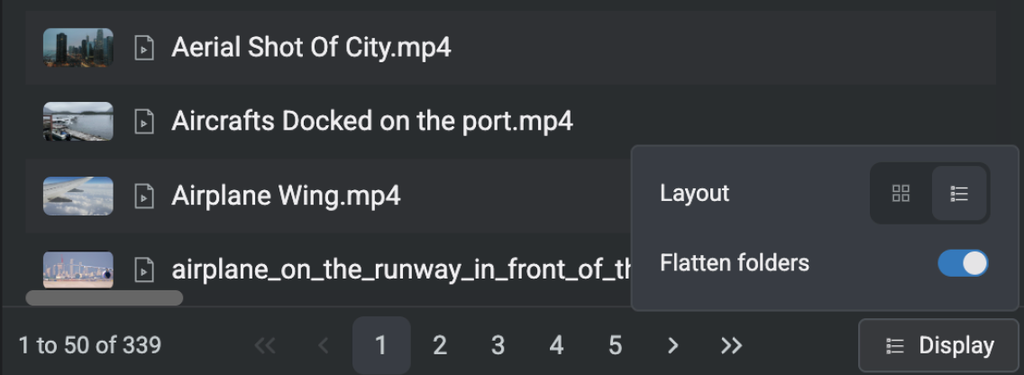
Flat folders view in EditShare One
A new Flat folders view makes it possible to see assets across nested folders as a single list, while CSV metadata export has been extended to Media Spaces, folders and Projects.
Together, these changes reduce the time spent waiting for results and make it easier to work across larger groups of media and metadata.
FLOW AI moves to the v5 engine
FLOW AI has been updated to the v5 engine, bringing improved processing performance and accuracy across transcription, scene detection and AI-powered search.
Language support has also been expanded with the addition of Hebrew and Arabic.
Administrators can configure the transcription language system-wide in FLOW Control, while EditShare One now supports right-to-left display in the transcription panel for languages such as Hebrew and Arabic. Mixed-direction and bi-directional transcription content is also supported.
For teams working with these languages, the update extends where FLOW AI transcription, scene descriptions and search can be used while improving the underlying AI processing engine.
Faster scanning for RED media
FLOW Scan performance for RED R3D media has been significantly improved in 2026.3.1.
Thumbnail generation now decodes only the resolution required for the asset thumbnail rather than the full frame, reducing the processing required when scanning RED media.
For teams working with large volumes of RED content, that means media can be scanned into FLOW significantly faster.
More automation around proxy creation
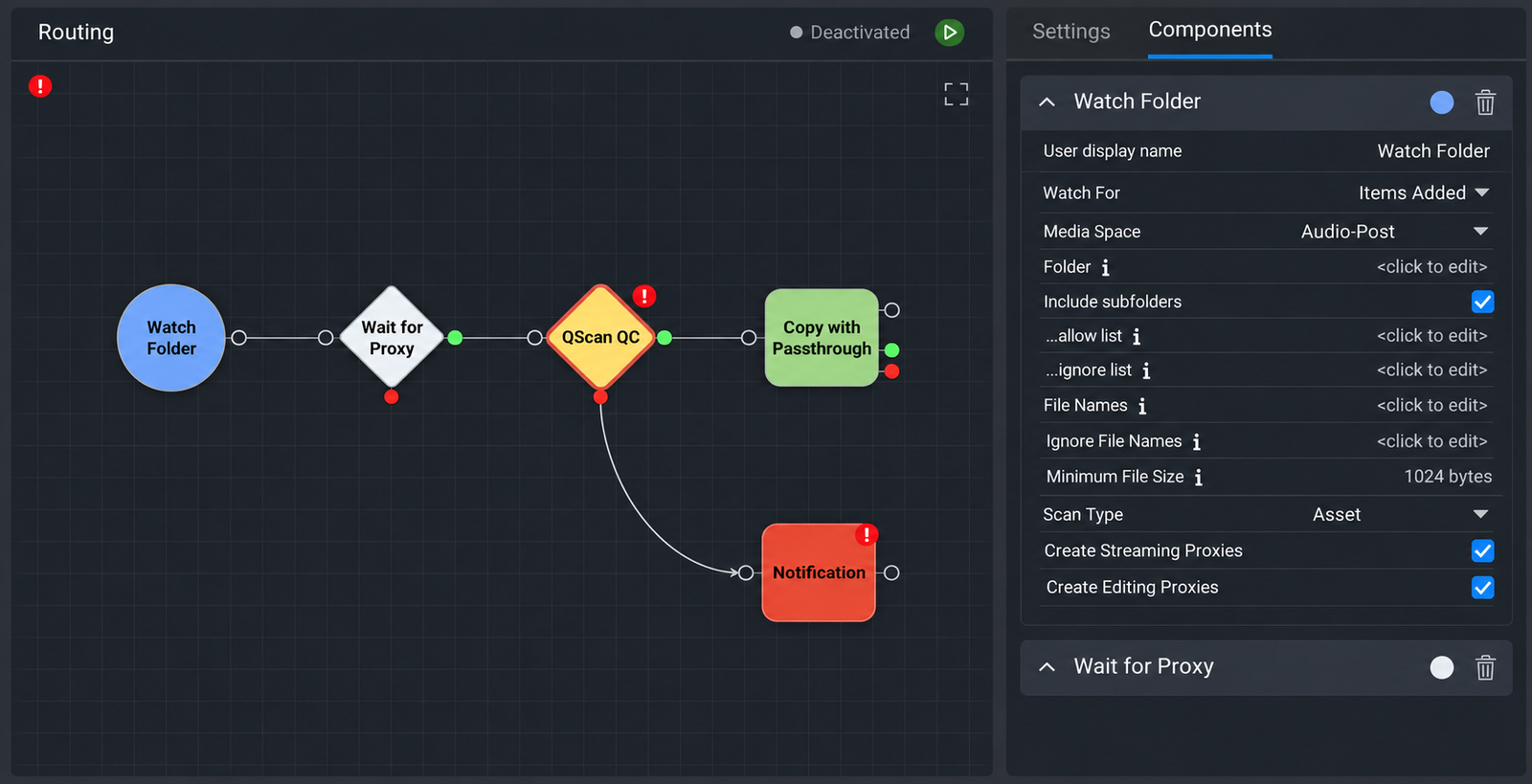
FLOW Automation also gains a new Create Proxy task. The task can create or recreate proxies for specific assets as part of an automated workflow, with configurable proxy type, resolution and quality. Users can select either Streaming or Editing proxy types depending on the workflow.
FLOW Control and FLOW Automation have also received a visual refresh aligned with EditShare One, creating a more consistent experience for users moving between the different interfaces.
New FLOW Automation UI
Across the release, the emphasis is on improving performance and reducing friction in everyday workflows, from finding media and managing metadata to scanning RED content, creating proxies and working with FLOW AI.
EditShare 2026.3.1 is available from 3 November 2026.